Software for building owners and managers
Your consultants' reports, the actions from them, and your own checks, certificates and policies, in one place. See what needs doing, send it to your maintenance team, and prove what's been done.
 Threadline
Home
Buildings
Actions
Checks
Files
Estate report
Good morning
Here's what needs doing across your buildings.
Buildings
11
Actions open
14
Overdue
2
Checks this month
38
9 of 11 buildings are on track
What it is
If you're responsible for buildings, you have to know what's wrong with them, get it fixed, keep up the routine checks, and be able to prove all of it. Threadline is where that happens: an account for your organisation, with a record for each building that you, your team, your contractors and your fire safety consultancy all work from.
Know where you stand
Each building shows what needs doing, most urgent first. Your estate in one sentence, with the numbers behind it.
Get it done
Send each action to your maintenance team or a contractor. They fix it, take a photo and mark it done; you're told.
Prove it
Every report, action, check and decision is sealed on the building's golden thread, ready for a fire officer, insurer or the regulator.
Add your buildings
Yourself, from a spreadsheet, or your consultancy sets them up with their reports already there.
Your reports arrive as to-do lists
Each assessment becomes a list of actions with priorities and due dates, not a PDF to file.
Send each action to someone
Your maintenance team or contractor closes it with a photo, on their phone.
Keep up between visits
Routine checks, servicing certificates, policies and residents' details, with reminders before anything lapses.
Show it when asked
Export a building's whole history as a signed proof pack.
Why it helps
Reports
Without it
PDFs buried in email
With Threadline
Live reports for every building, always to hand
Actions
Without it
A spreadsheet someone has to keep up
With Threadline
Each action tracked to done, with photos as evidence
Contractors
Without it
Chasing them for proof
With Threadline
They upload the evidence themselves
Checks & certificates
Without it
Filing cabinets and memory
With Threadline
Logged, in date, and reminded before they lapse
Residents
Without it
Out-of-date lists and paper PEEP forms
With Threadline
Residents keep their own details up to date, and you're told when someone needs help to get out
Reviews
Without it
Finding out it's overdue
With Threadline
Reminded in good time; ask for it in one click
Proving it
Without it
Pulling it together after something goes wrong
With Threadline
A signed, tamper-evident record, ready to hand over
Take a look
Real screens. Pick one and step through it. Names are replaced with placeholders.
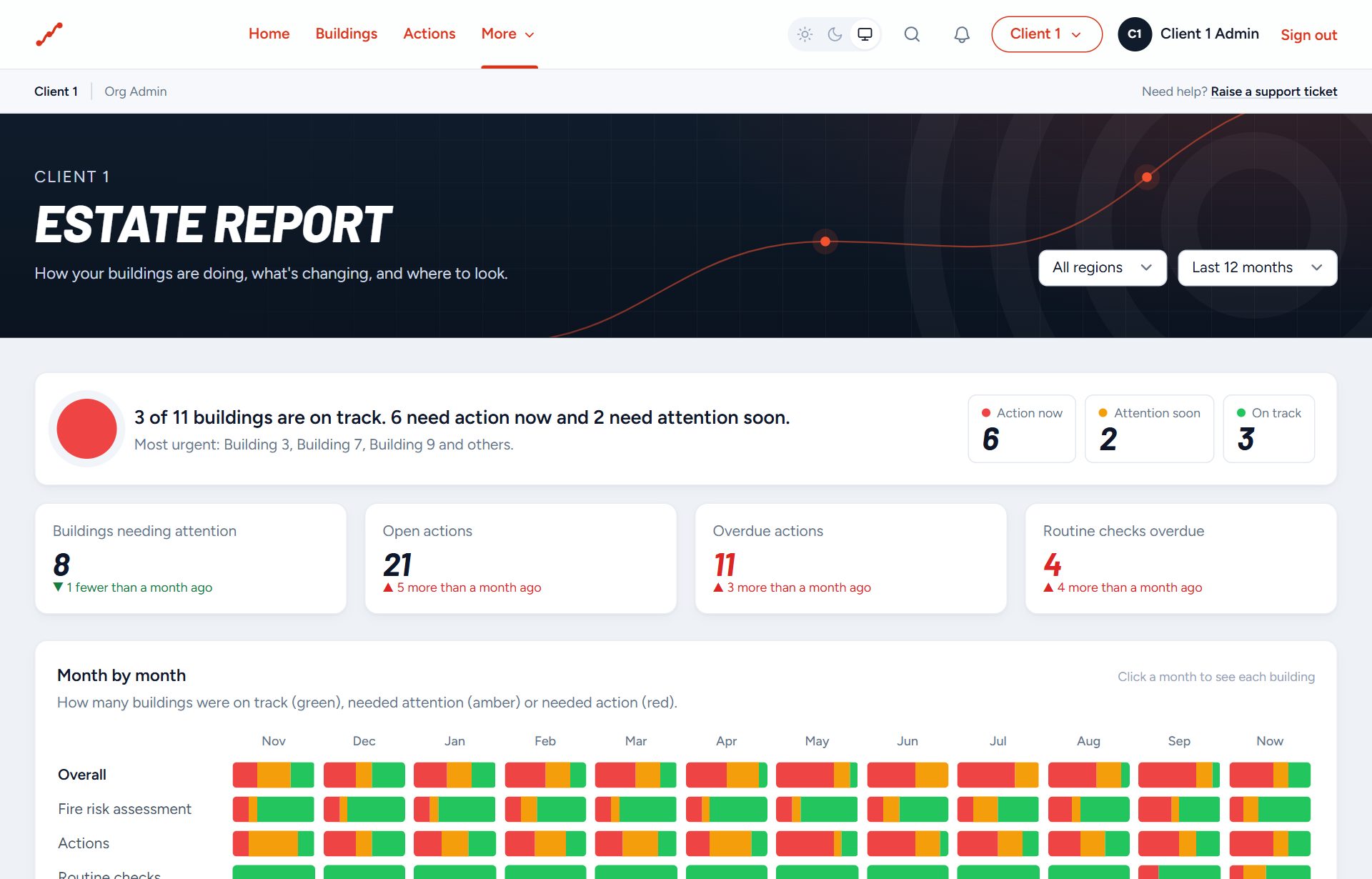
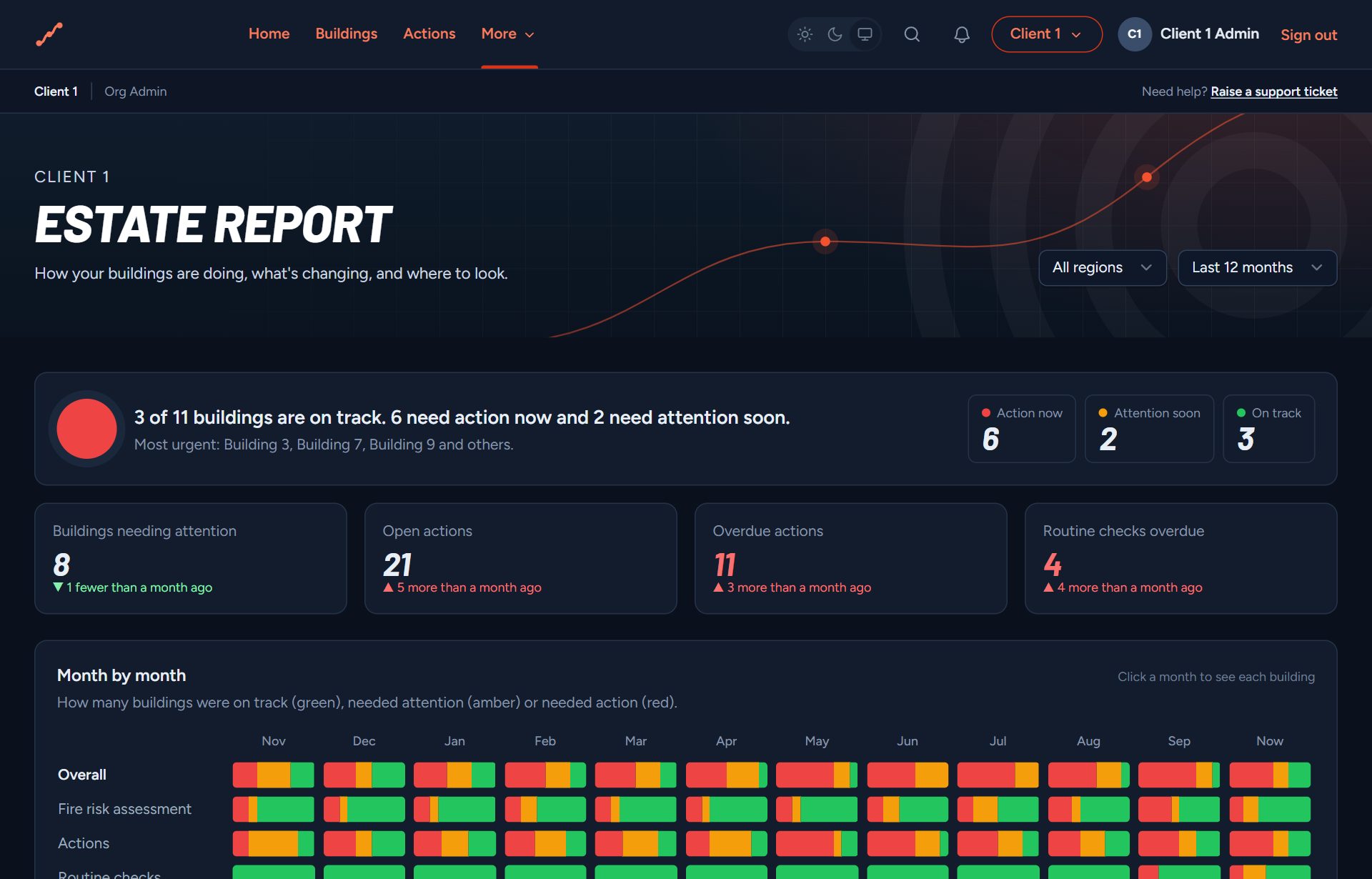
Your whole estate at a glance. One sentence tells you where things stand. Every number opens the buildings or actions behind it.
of
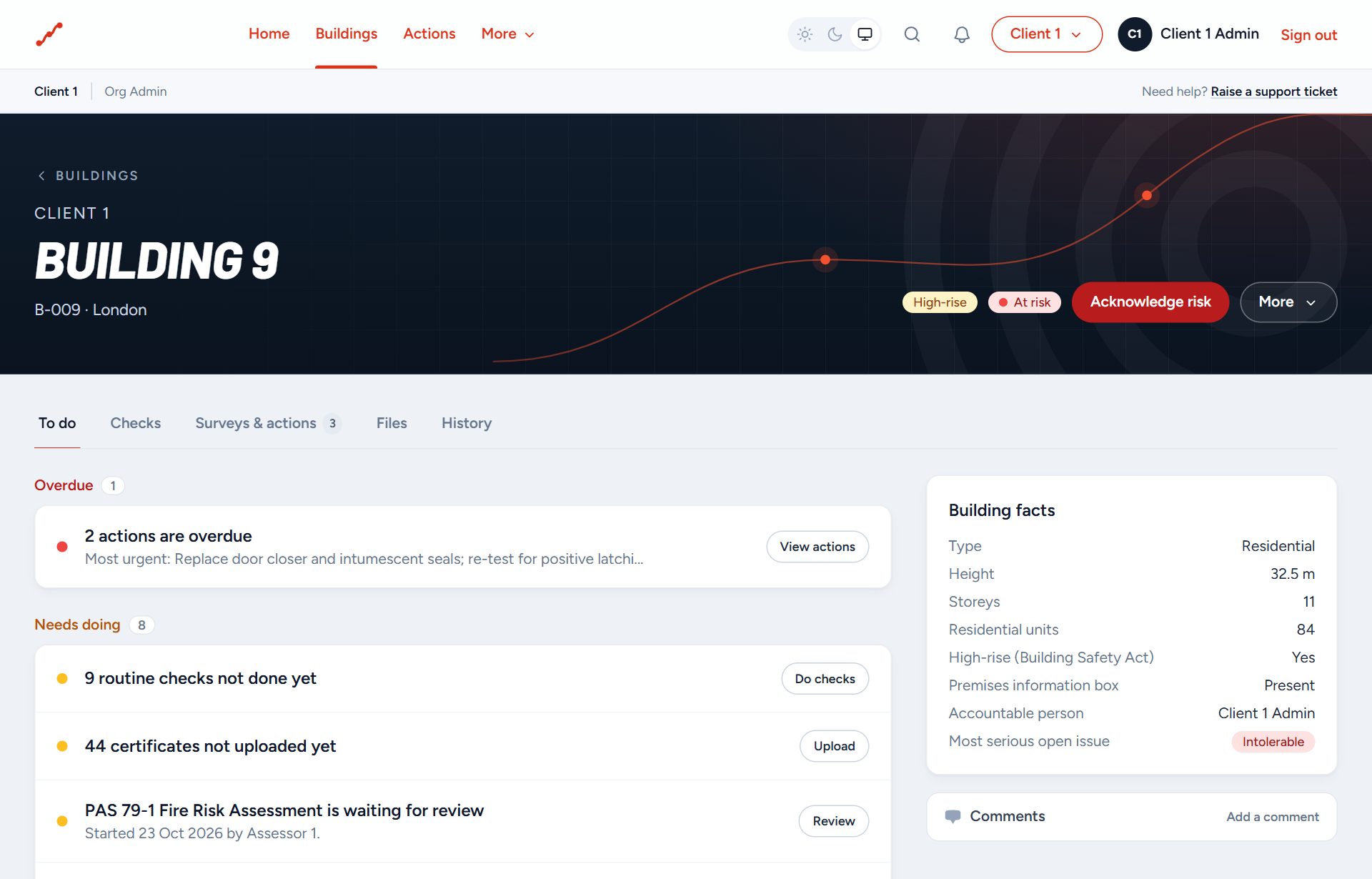
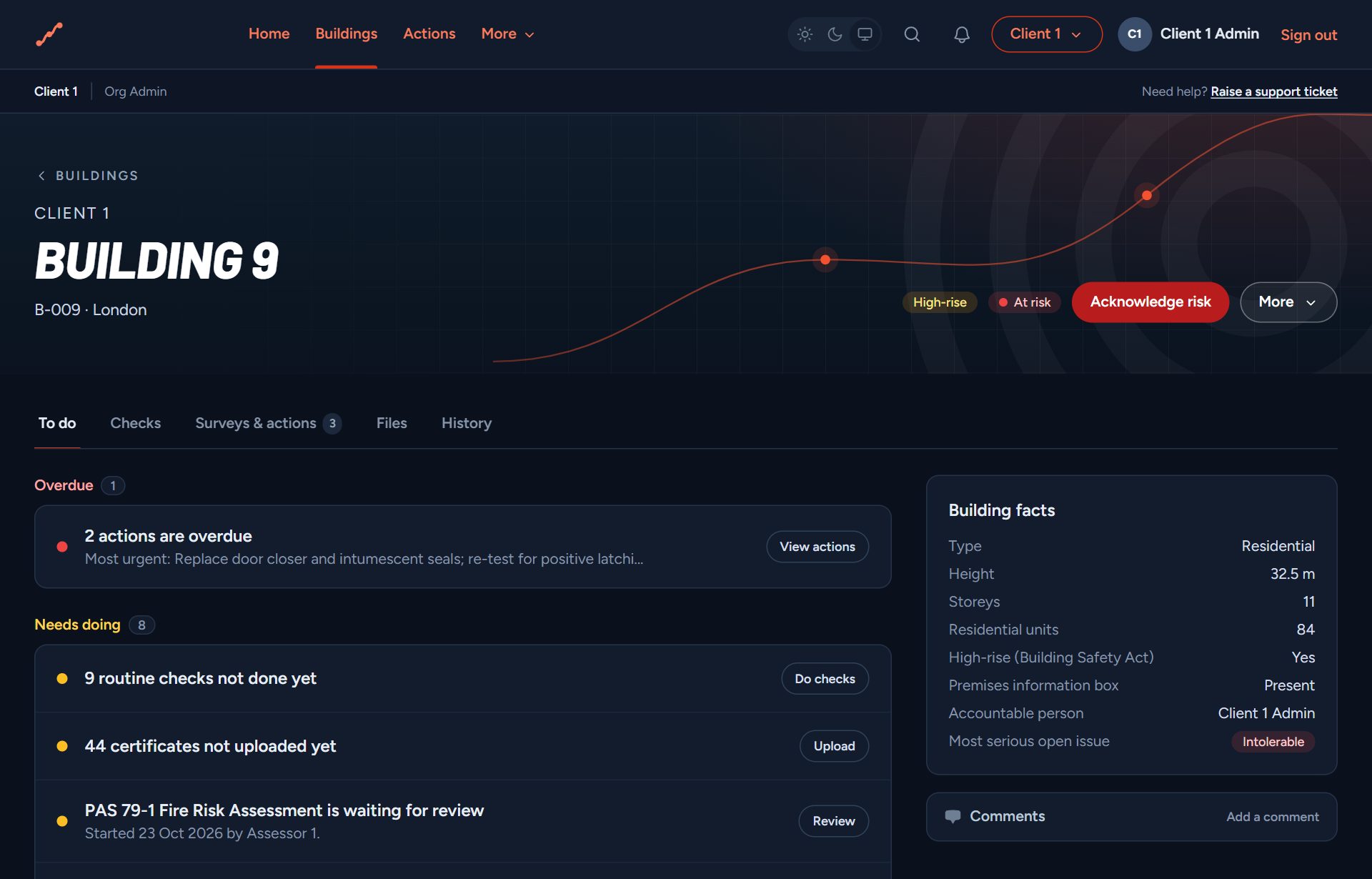
Each building's to-do list. What needs doing, most urgent first, in plain words, with one button for each.
of
Reports you can work from. Your fire risk assessment as a live document: every action with its priority and due date, closed in place with evidence.
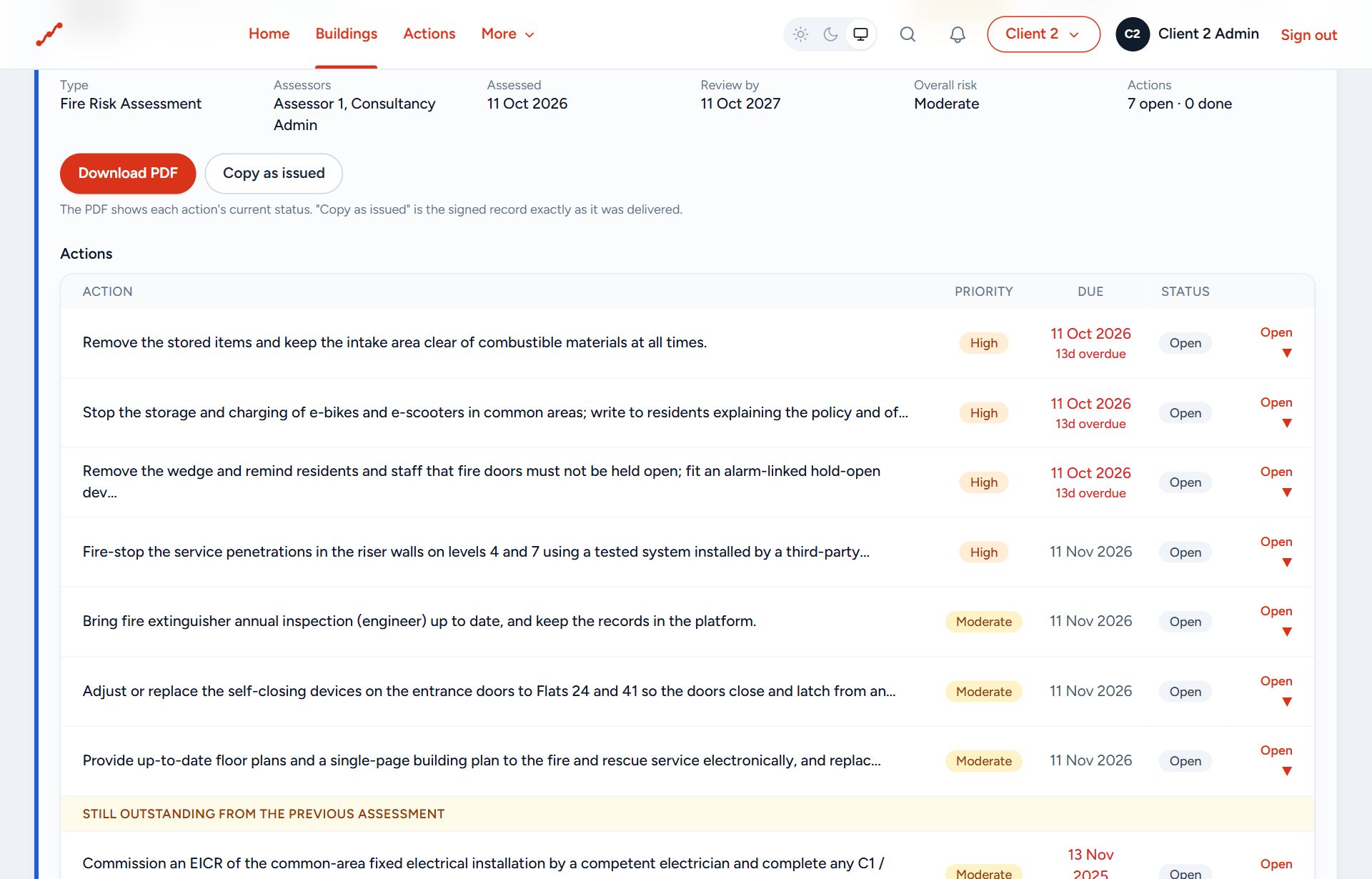
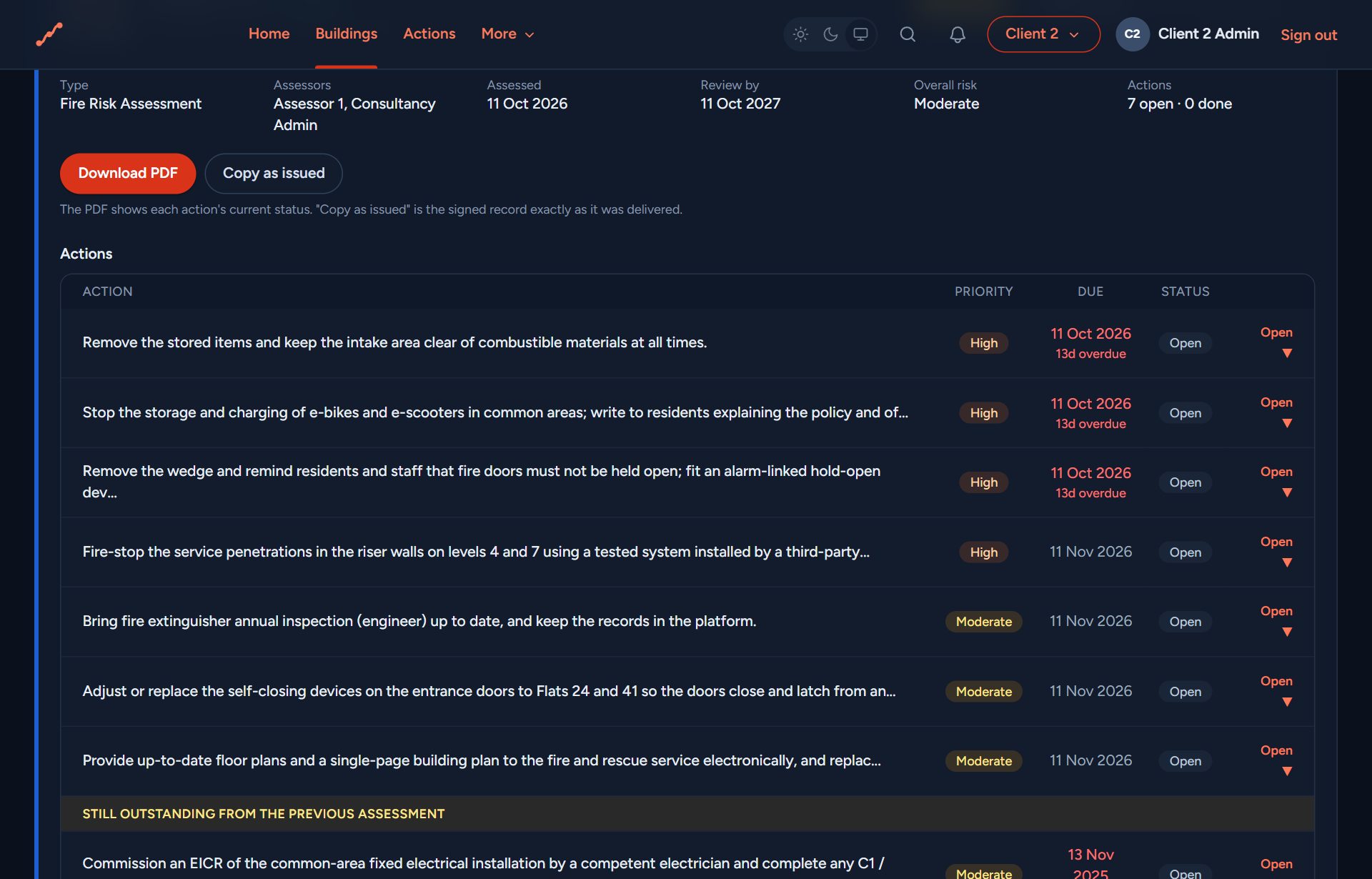
of
Routine checks. The weekly alarm test, monthly emergency lighting and the rest, logged by whoever does them, with a green dot when they're up to date.
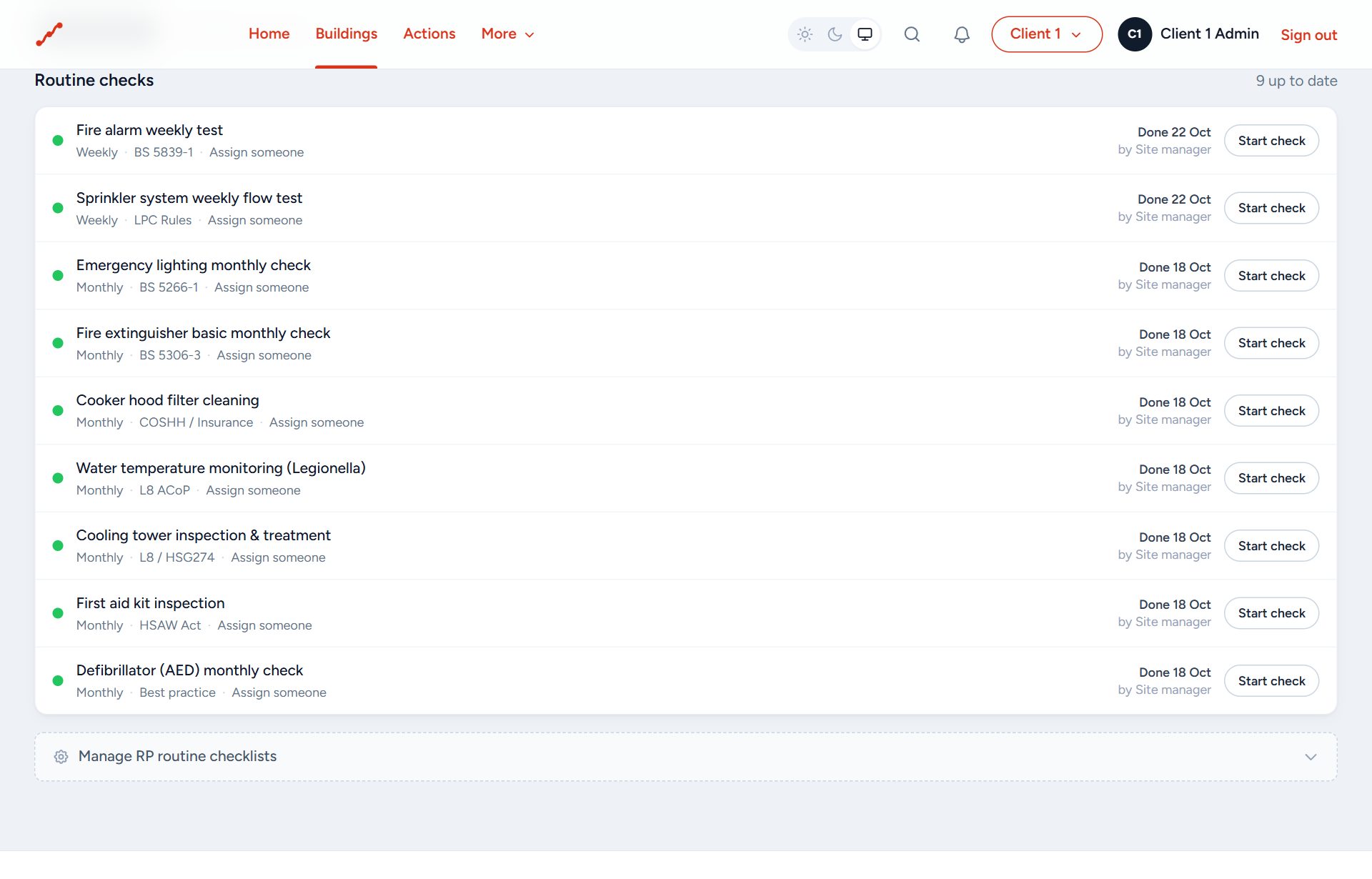
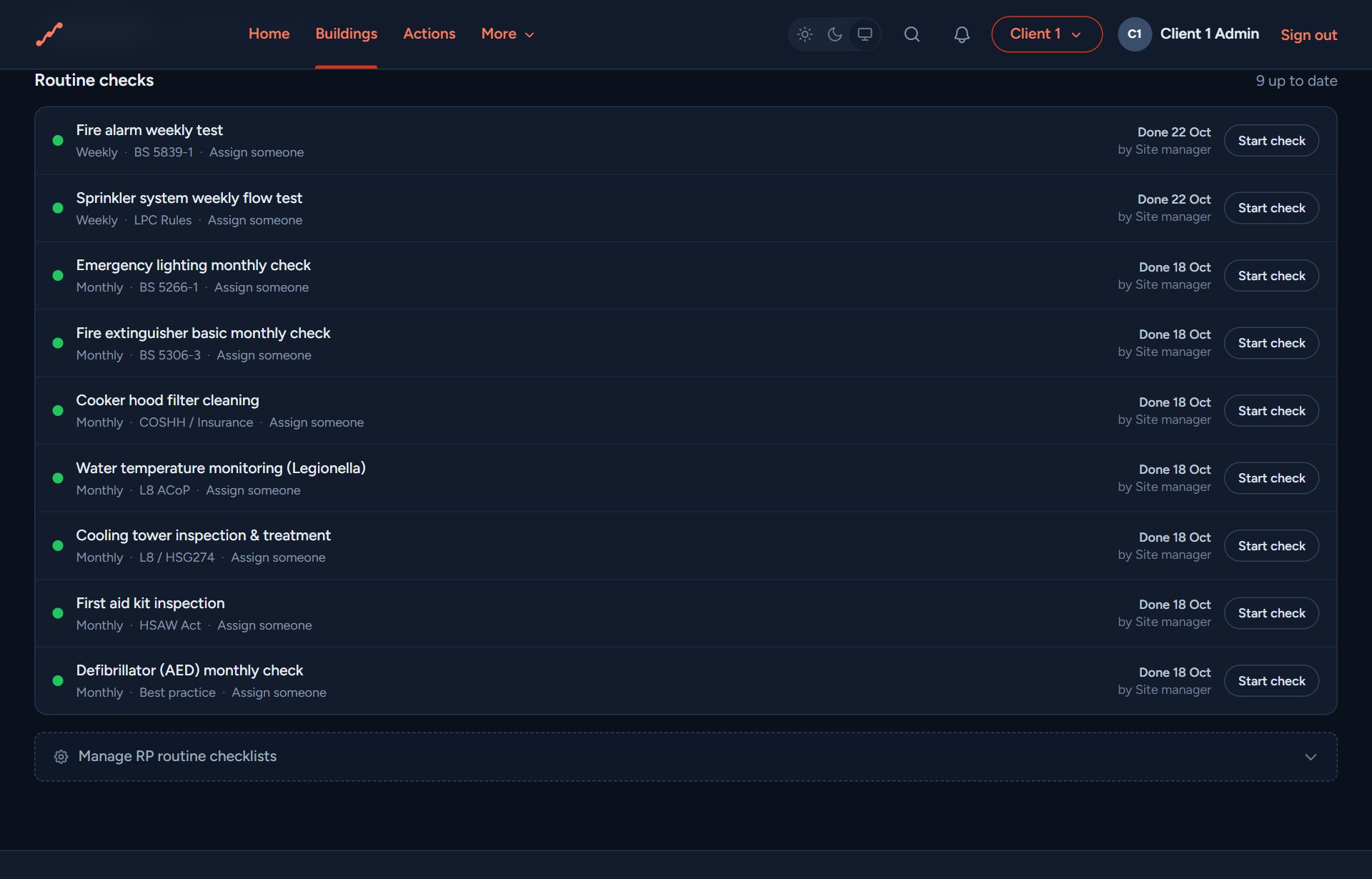
of
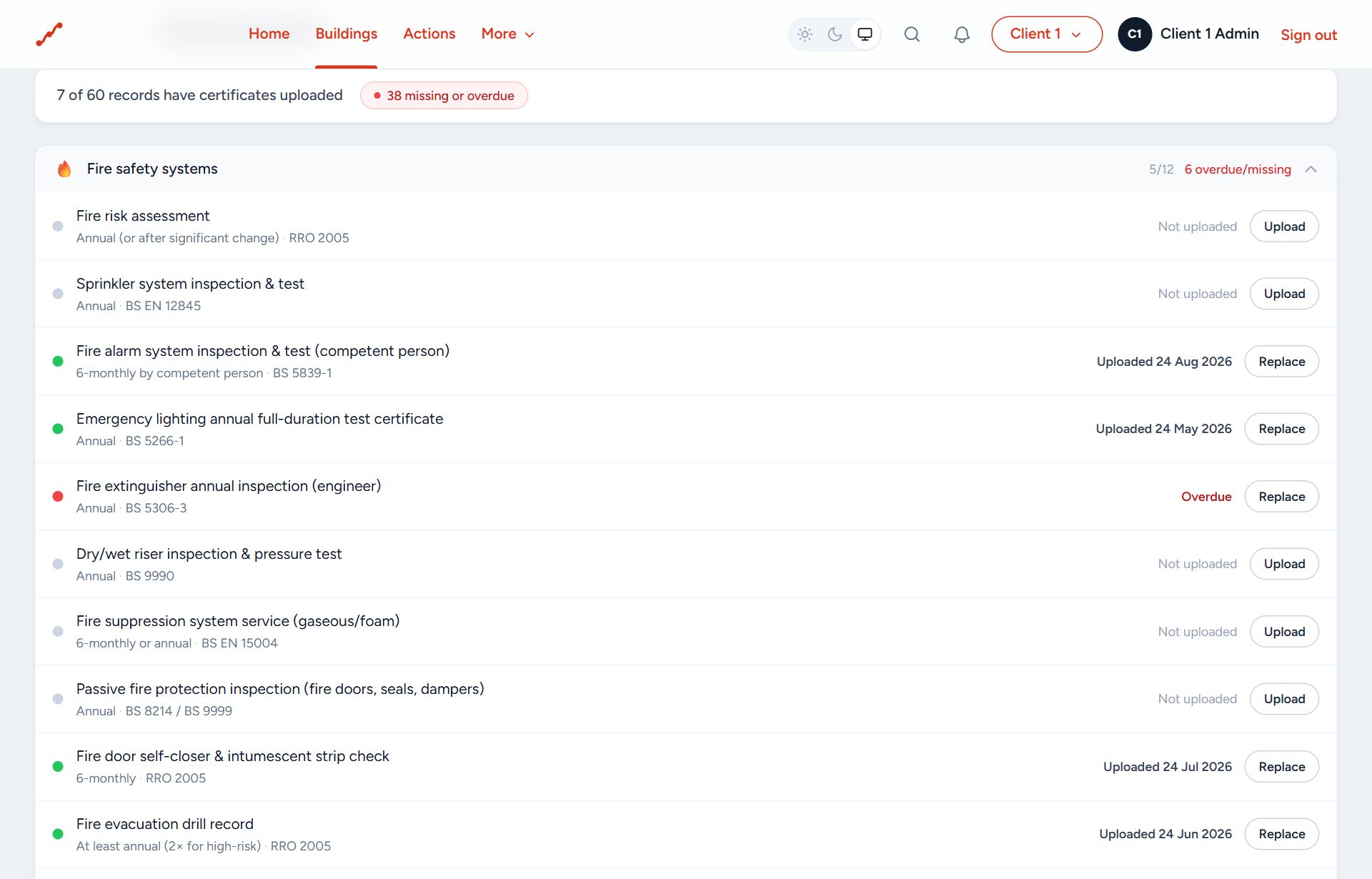
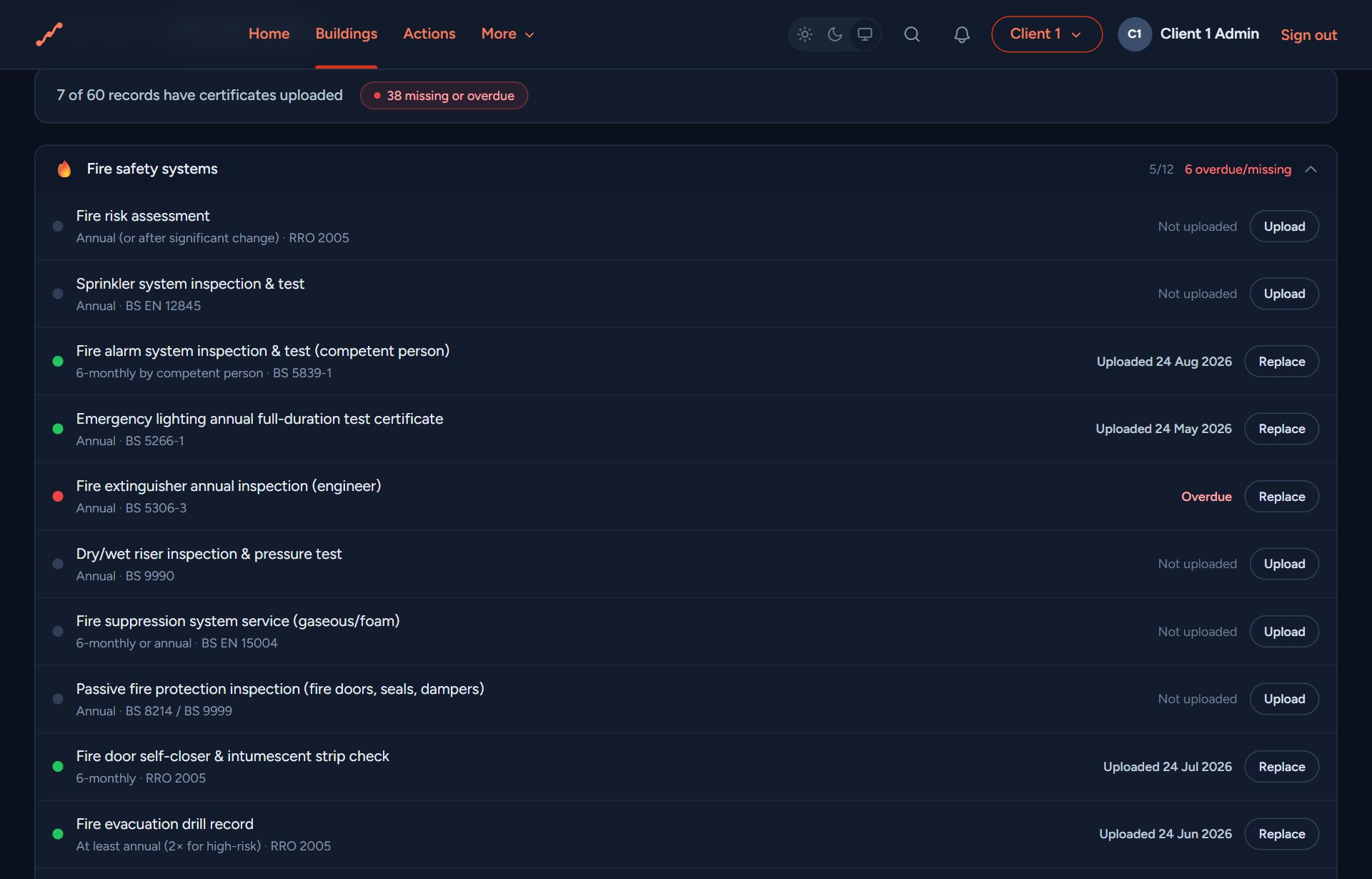
Certificates and servicing. Every servicing certificate a building needs, in one list: uploaded, in date, or flagged when it's out of date or missing.
of
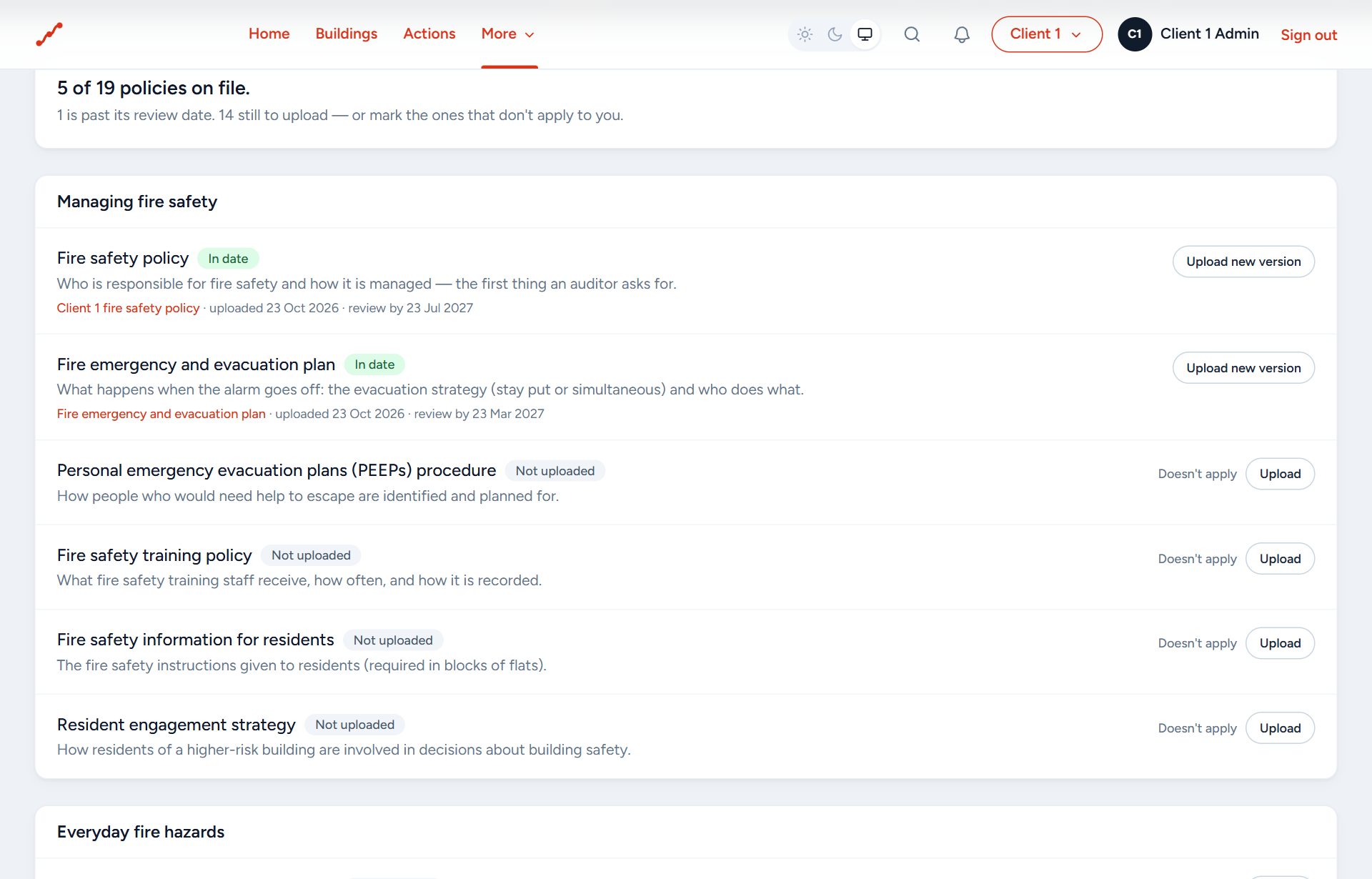
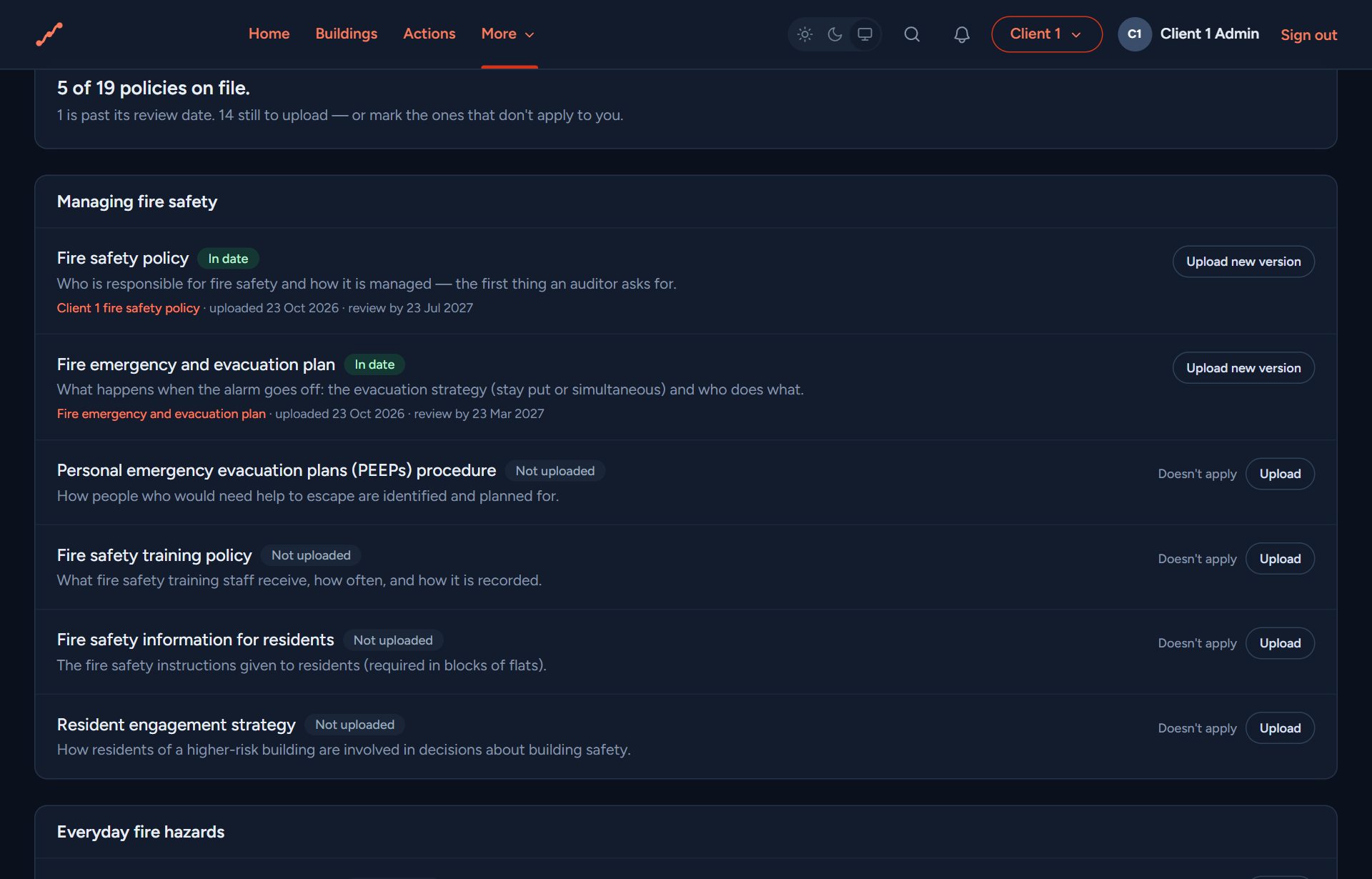
Your policies. The fire safety policies an assessor or fire officer will ask for: on file, with review dates, ready to show.
of
What you get
A to-do list, not a dashboard
Home is a short list of what needs doing across your buildings, most urgent first. One sentence and one button each.
Actions closed with evidence
Every action from your assessments, with its priority and due date. You or your contractor upload a photo and it's done.
Your maintenance team
Send a job to your own maintenance team, or report a problem found on a check. They fix it, take a photo on their phone and mark it done; you're told.
Every discipline together
Fire risk assessments, fire strategies, fire doors and health and safety audits from every consultancy you use, in one record per building.
Checks and certificates
Log routine checks like the weekly alarm test, and keep servicing certificates in date, with reminders before they lapse.
Your policies
The fire safety policies an assessor or fire officer will ask for, ready to upload and to show when asked.
Residents and PEEPs
Residents update their own details from a link, no account needed. If someone would need help to get out, you're told and it goes on your list.
Floor plans and fire doors
Plans with every action pinned where it is, and a register of fire doors that updates itself from each survey and repair.
Told at once about a risk to life
If your assessor finds something dangerous on site, you hear the same day, not when the report arrives, and you confirm you've seen it.
Reports on your estate
Month-by-month trends, the buildings needing most attention, what comes up most, and how each area is doing.
Area managers
Split a large portfolio into areas or regions. Each manager sees only their buildings and gets their alerts first.
Reviews on time
When a survey is coming up for review you're told in good time, and ask your consultant for it in one click.
Who uses it
You, the person responsible
The whole estate, what's overdue, and who's doing what. Put on record that you know about a building at risk and what's being done.
Area and building managers
Only their own buildings, their checks and their actions, and the alerts for them first.
Maintenance teams and contractors
Only the jobs sent to them, on their phone. A photo and a note, and it's done.
Residents
A link to keep their details and any help they'd need to get out up to date. No account, no app.
Your fire safety consultancy
Surveys your buildings and issues the reports straight into your account. Each consultancy sees only its own work for you.
Fire officers, insurers and the regulator
Shown what they ask for: the report, what was done about it and when, as a signed proof pack.
You and your consultancy
Threadline works alongside your fire safety consultancy rather than replacing it. Their reports land in your account, you work through them, and when they come back for the review they see what's been done.
Your consultancy
The consultancy
Surveys the building and writes the report on site. Checks it, issues it, and comes back when it's due for review.
Threadline
One record per building
Everything both sides do goes on the building's golden thread: sealed, dated and in order. Nobody keeps a separate copy.
You
The building's owner or manager
Sees the report as a live list of actions, sends each one to whoever fixes it, and keeps the checks and certificates up between visits.
Evidence that stands up
As the Responsible Person or Accountable Person, you need to show what was found, what was done about it, and when. Everything (surveys, actions, checks, decisions) goes on a blockchain-style, tamper-evident ledger for each building. Nothing is quietly changed later: any edit would show.
How to get access
Set up your own account and start with your buildings today. Or come in through the consultancy you already use, who'll set you up with your buildings and their reports already there. Your first 30 days are free; after that it's a simple subscription.
Start on your own
Add your buildings, log your checks, keep your certificates and track your actions. No consultancy needed. Bring yours in whenever you like.
Start your free trialAlready invited?
Open the link in the email from your consultant, or sign in if you've set up your account.
Sign inYour consultancy isn't on it yet?
Ask them to set you up. We've written the email for you.
Email your consultantFAQ
Software for anyone responsible for the fire safety of buildings. It keeps each building's reports, actions, checks, certificates, policies and residents' details in one place, helps you get the work done, and keeps a tamper-evident record that proves it.
No, it works alongside them. Your consultant carries out the surveys and writes the reports; this is where you see them, act on them and keep everything up to date between visits.
Yes. Set up your own account, add your buildings and use it to manage them: checks, certificates, policies, actions and your maintenance team. Upload the assessments and reports you already have, and they sit with each building.
Yes, that's the point. Fire, health and safety, fire doors and more sit together in one record per building. Each consultancy sees only its own work for you.
You, the people you invite, and the consultancies you work with. Each sees only its own work. Each organisation's records are kept separate from everyone else's.
Yes. Send jobs to your maintenance team or contractors. They see only those jobs and close them with photos on their phone. Area managers see just their buildings.
Your first 30 days are free, with no card needed. After that it's a simple subscription, paid to us, not to your consultant. See the pricing page for today's prices.
Nothing is deleted. Your records and their history stay as they were.